Analysis, design, drawings and reports from one model
FEA Studio takes a structure from the first grid line to code-checked members, reinforcement drawings and a calculation report, without exporting between programs.
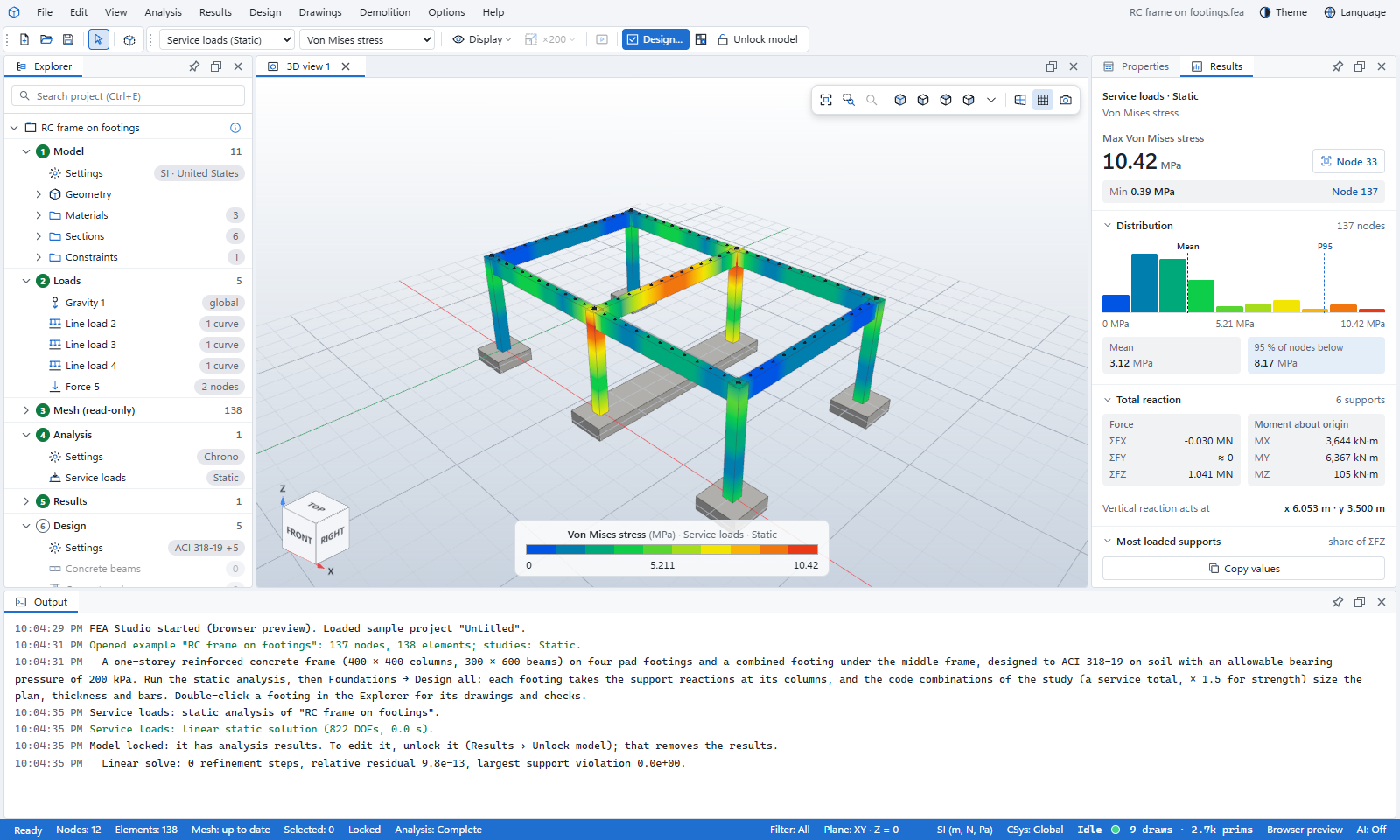
Everything between the grid and the calculation report
Model
Start from a template or a sample, or draw on grid lines with snapping, Push/Pull and groups. Import IFC, Revit, ETABS and MIDAS models for analysis.
Analysis
Linear static, modal, linear dynamic, nonlinear static and response spectrum on the built-in solver, with high-order solid elements on MFEM.
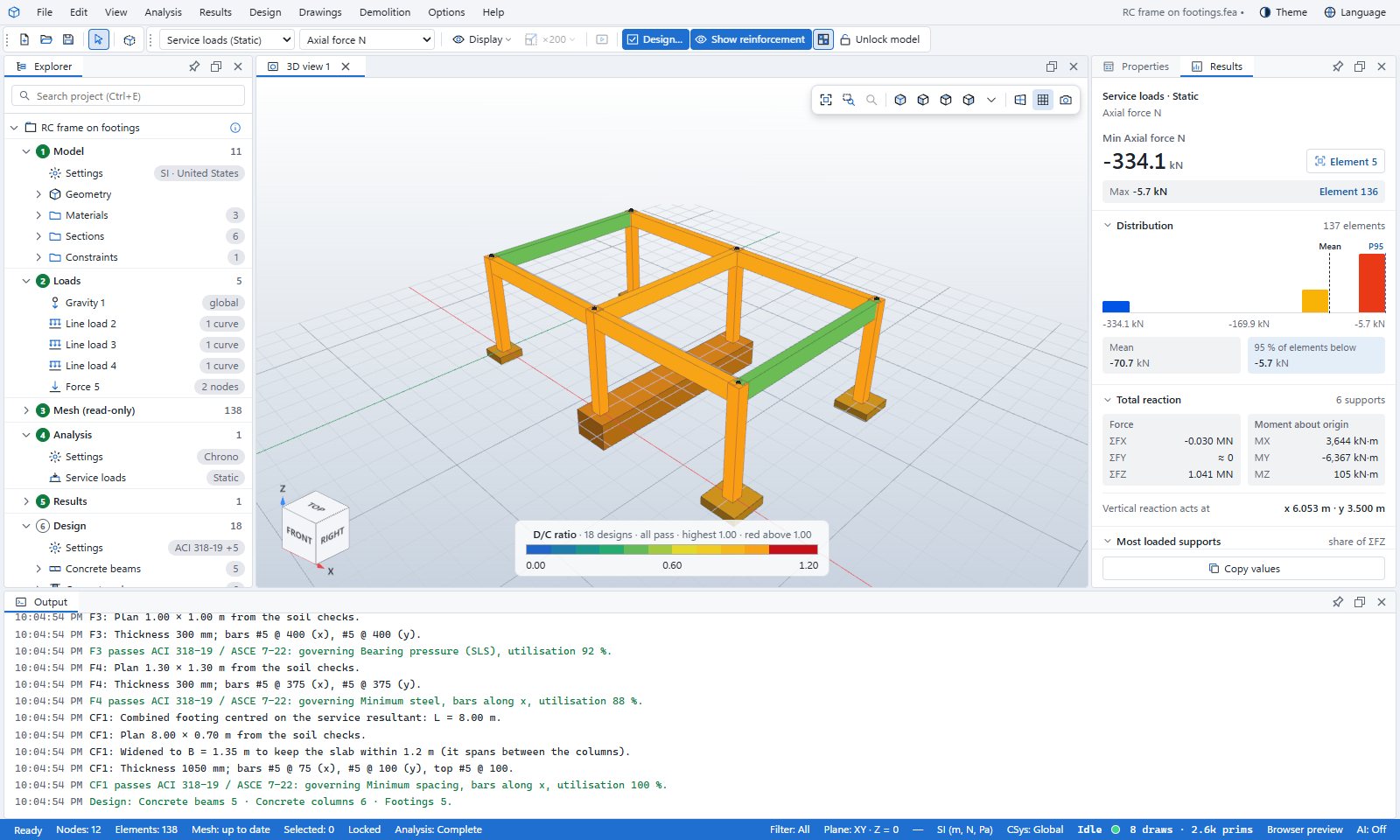
Design
Concrete beams, columns, slabs and footings, steel and cold-formed members, composite floors and walls. One Design… button checks them all.
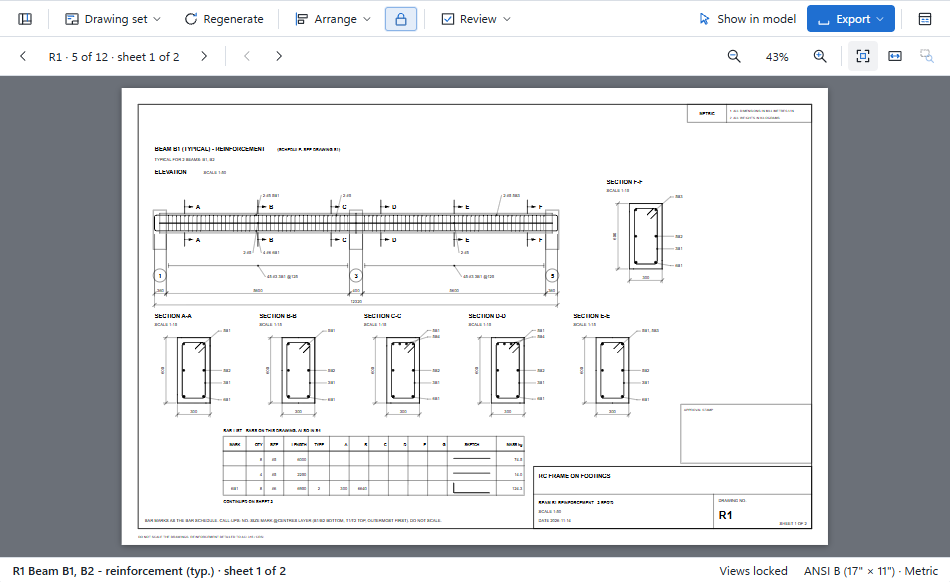
Drawings
Reinforcement, formwork and steel shop drawings, to ISO, UK, US or Thai drawing standards.
Reports
Paginated calculation reports with a cover and contents, saved as PDF or Word, in English or Korean.
AI assistants
Connect an AI assistant in one click and let it build models, run studies and read results.
One model, eight stages
The Explorer lists your project as numbered stages and shows which ones are out of date, so you always know the next step.
Model
Template or drawn: grid lines, sections, materials, solids.
Loads
Load cases, generators and the code combinations.
Mesh
Built from the model and kept up to date.
Analysis
Five analysis types, one built-in solver.
Results
Contours, member forces, deformed shapes and probes.
Design
Concrete and steel members, slabs and footings, to code.
Drawings
Reinforcement, formwork and steel shop drawings.
Reports
Paginated calculation reports as PDF or Word.
Learn FEA Studio step by step
Follow the stages in order with a sample model, from install to the finished report.
Install and sign in
Download the setup, sign in with your invited email, and open a sample.
Start →Build the model
Start from a template or draw on grid lines; assign sections, materials and supports.
Start →Loads and code combinations
Add load cases and generators, and let the code make the combinations.
Start →Run an analysis and read the results
Add a study, solve it, then read contours, member forces and reactions.
Start →Design every member with one button
Run Design…, read the D/C colours and open a member’s step-by-step calculation.
Start →Drawings and the calculation report
Pick a drawing standard, make the sheets and generate the report as PDF or Word.
Start →The FEA Studio manuals
The user manual in five parts, to read online or download as PDF or Word, plus the help pages and the validation reports.