Open other programs’ models and results, without those programs
FEA Viewer reads MIDAS, ETABS, Abaqus, IFC, Revit, OpenSees, OpenFAST and VTK files and shows the values those programs wrote. Nothing is re-solved, so what you see is what the analyst got.
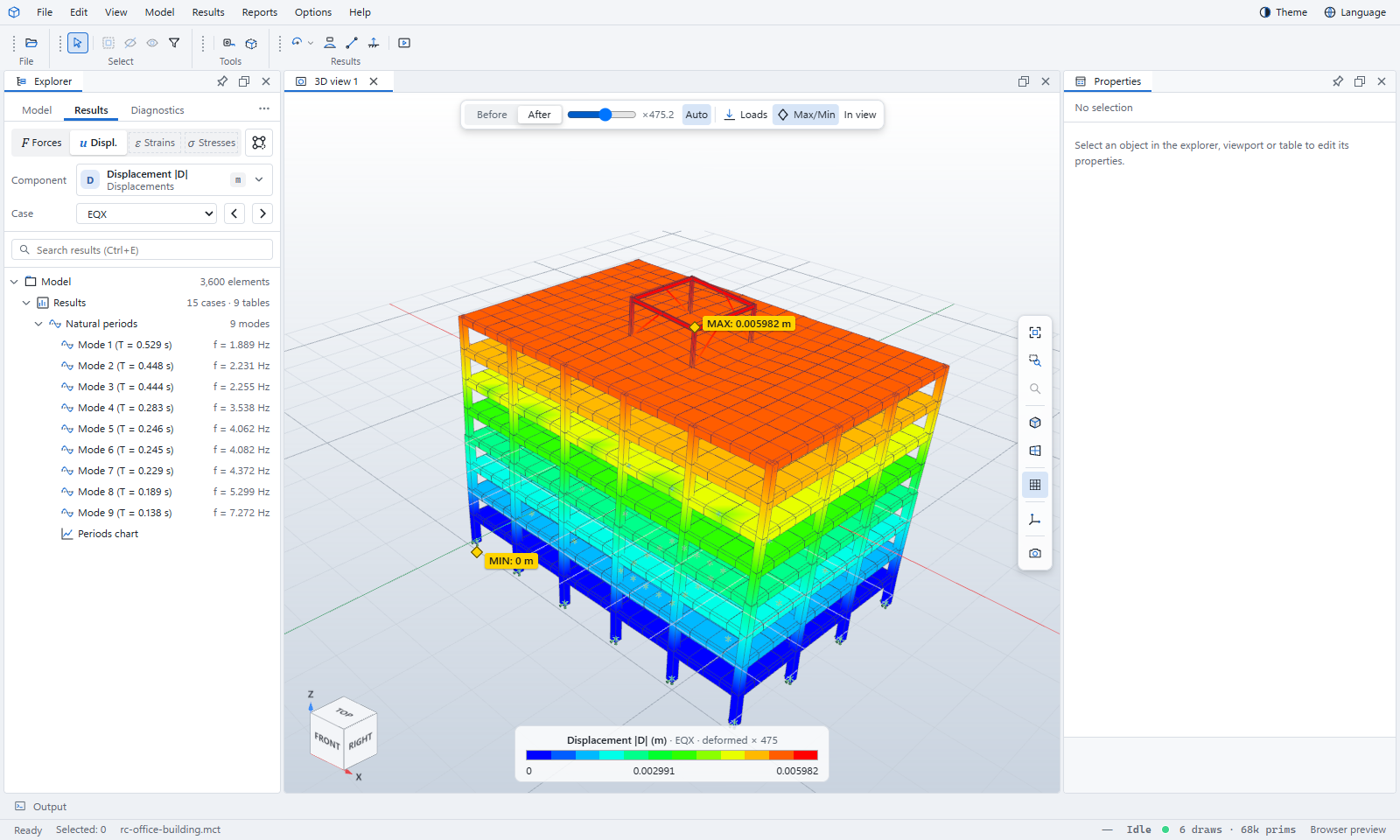
Review a job without a licence for the program that made it
Model check
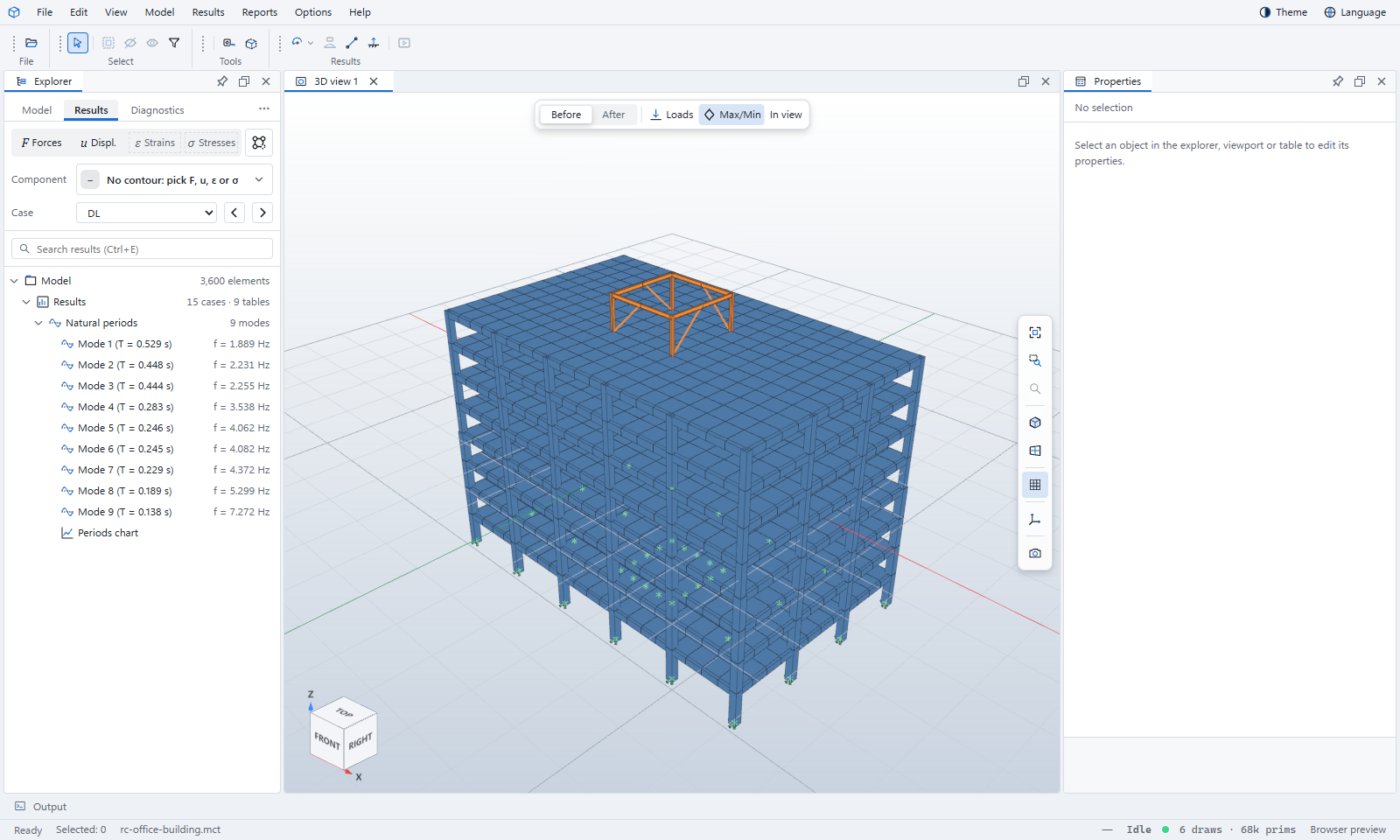
Materials, sections, supports and loads listed beside the model, with errors and warnings in the Diagnostics tab.
Results as written
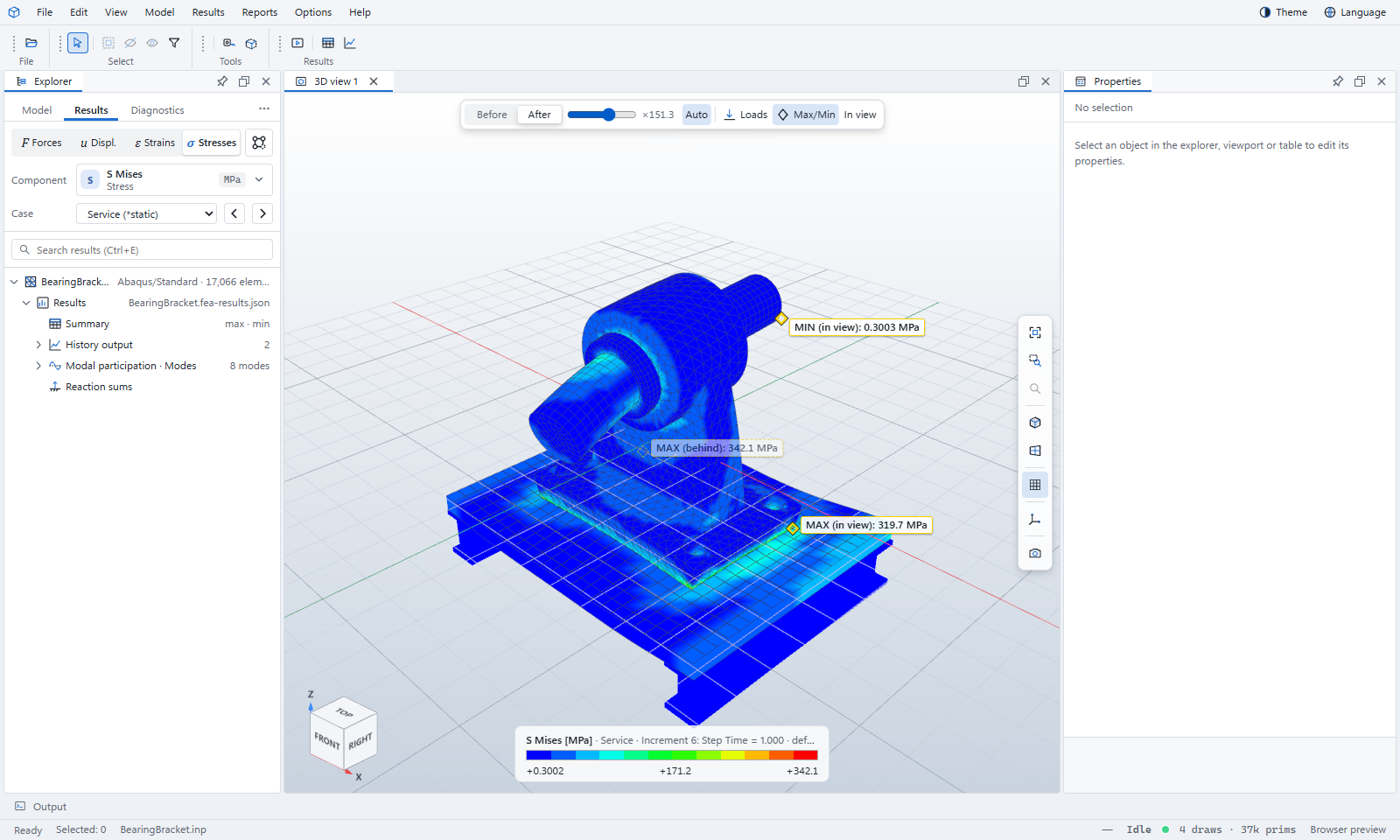
Force, displacement, strain and stress contours, member diagrams, mode shapes and reactions, straight from the result files.
Play through time
Mode shapes, time histories and run channels play frame by frame.
Cut, plan and measure
A clipping box with capped cuts, plan views of a level, and a tape measure with snapping.
Job messages explained
Abaqus .msg, .sta and .dat files and the MIDAS analysis log, read beside the results and explained in plain words.
Tables and charts
Result and summary tables, reaction sums, histories, periods and run channels, exported to CSV.
What it opens
Drag a file onto the Viewer or use File › Open. Open several files, a folder or a .zip at once: the model opens first and its results join it.
| Program | Models | Results |
|---|---|---|
| MIDAS Civil and Gen | .mct .mgt .mcb .mgb .mgbx | Exported result tables (.xlsx .xls .txt .csv), .nfxp, .GAX1, design reports (.acs .rcs), the .out log |
| ETABS | .e2k .$et | Result tables are not read yet |
| Abaqus | .inp .cae | .odb, with .msg, .sta and .dat job messages |
| IFC and Revit | .ifc .ifczip .rvt | — |
| OpenSees | .tcl .py scripts (run on the desktop) | A run as a .zip: the script and its recorder files |
| OpenFAST and NEMOH | .fst .bts .wnd, Nemoh.cal | .outb .out channels, or a whole run as a .zip |
| VTK and CalculiX | — | .vtu .vtp .vtk .pvd .frd |
Learn FEA Viewer step by step
Each tutorial uses a sample that comes with the Viewer. The same tutorials are under Help › Tutorials in the program.
Your first model
Open a sample building, find your way around the window, turn the model and colour it by displacement.
Start →MIDAS and ETABS models
The Works tree, result tables, modes, member force diagrams, model check and the analysis log.
Start →Abaqus jobs
Open .inp, .cae and .odb files, check the model, contour stresses, step through frames, read job messages.
Start →IFC and Revit models
Storeys and classes, property sets, colour by, plan views, the clipping box and the tape measure.
Start →OpenSees, OpenFAST and VTK runs
Time-history and pushover runs, wind turbine channels, playing through time and warped meshes.
Start →The FEA Viewer manual
In your browser or on Windows
The browser version needs no install. The Windows app opens result files of several gigabytes and can run Abaqus, OpenSees, OpenFAST and NEMOH that you have installed.
| Browser | A current Chrome, Edge, Firefox or Safari |
|---|---|
| Windows | Windows 10 or 11, 64-bit |
| Your files | Most are read in your browser and never uploaded. MIDAS, ETABS and Revit files are read on our server, then discarded. |