Five programs for structural engineers, built on one core
Analyse, design and draw buildings and offshore structures, run nonlinear OpenSees studies, and review other programs’ models and results. Every program uses the same model format, solvers and design codes.
Early access by invitation · English and 한국어
Pick the program for the job
Each product has its own page, with step-by-step tutorials and full documentation.
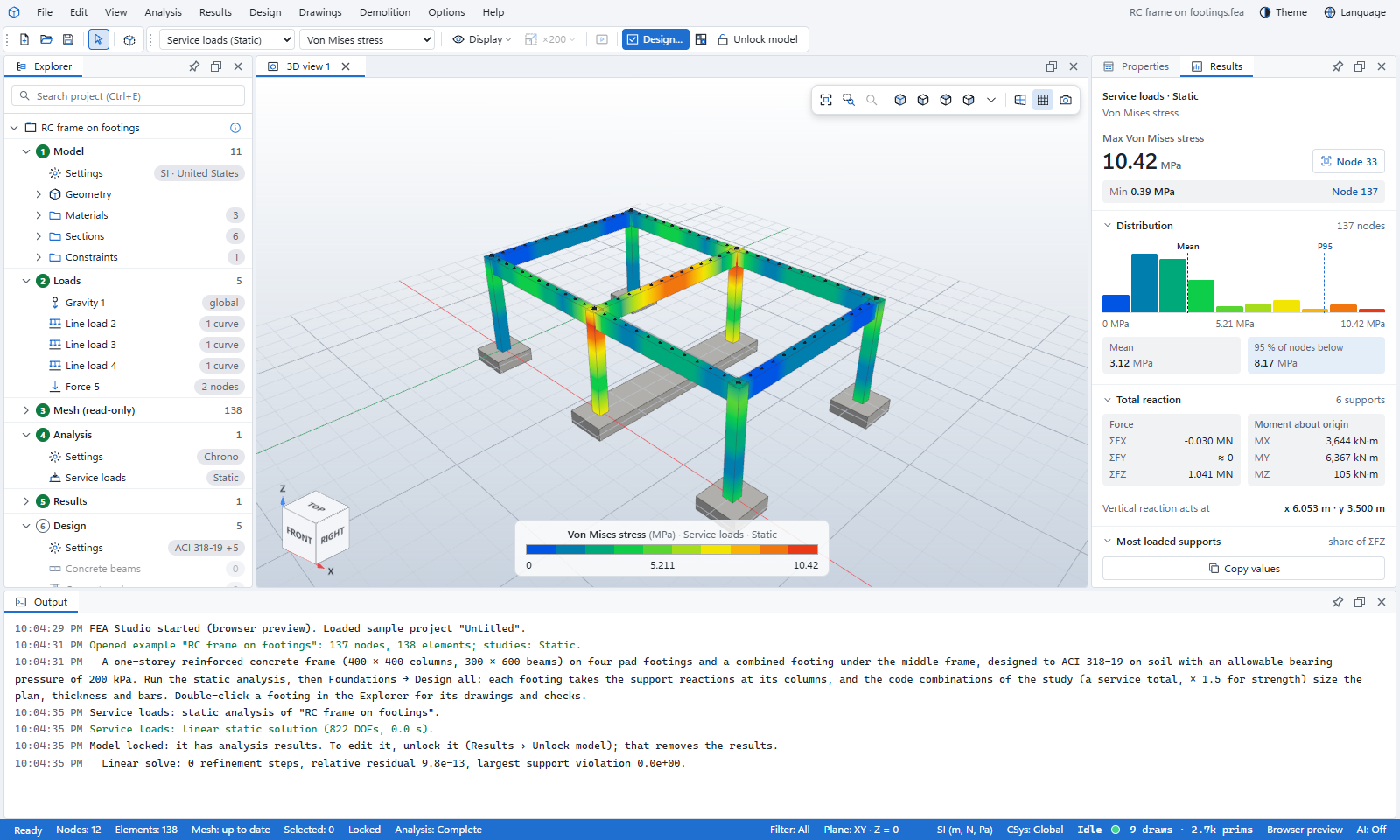
FEA Studio
Analysis · design · drawings · reportsTake a structure from the first grid line to code-checked members, reinforcement drawings and a calculation report.
- Five analysis types, with high-order solids
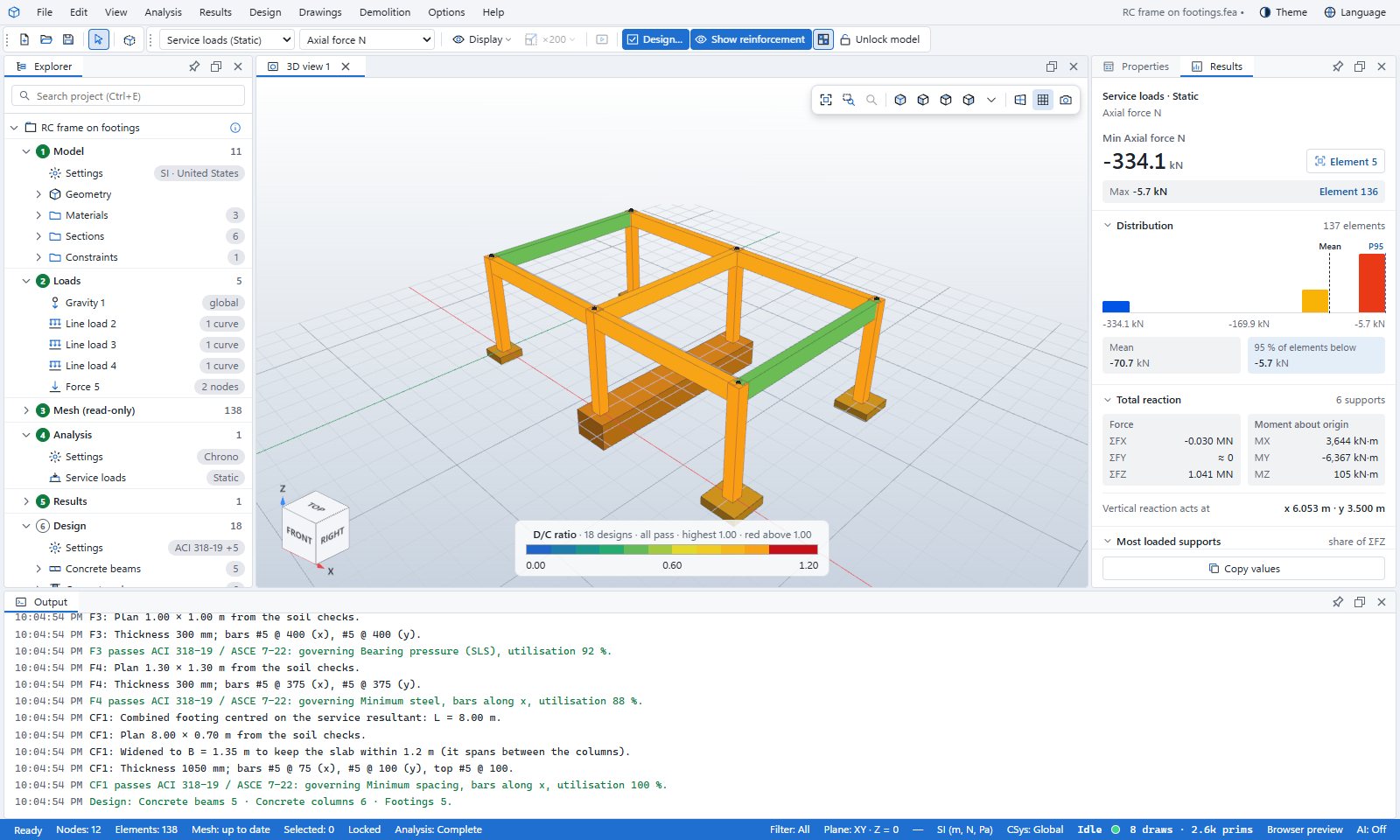
- Concrete, steel and foundation design to code
- Shop drawings and reports as PDF or Word
FEA Viewer
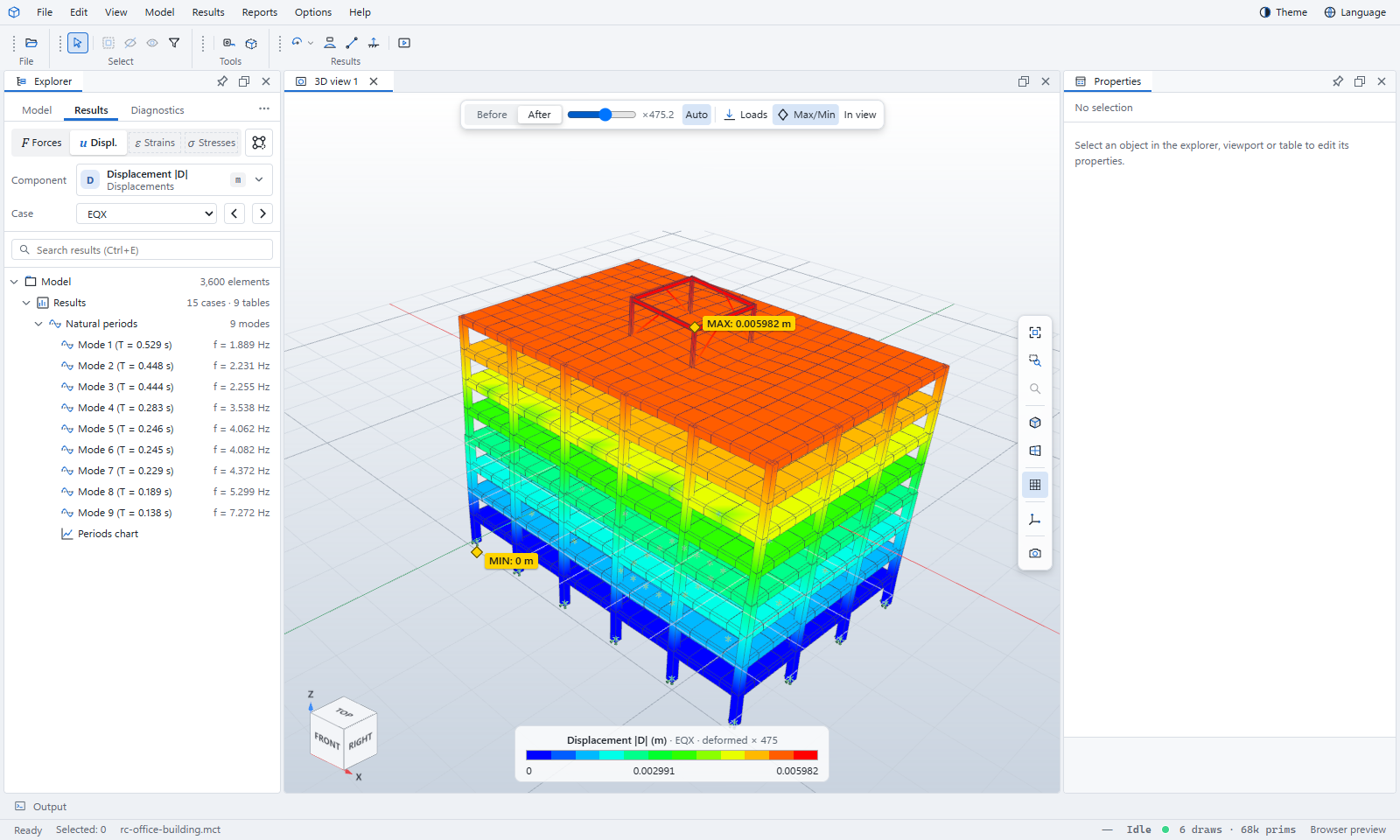
Review models and resultsOpen MIDAS, ETABS, Abaqus, Revit, IFC and OpenFAST files without those programs, in Windows or the browser.
Product page, tutorials and docs →FEA Offshore
Jackets, monopiles, floating bodiesGuided workflows for offshore structures: waves, current, soil springs, moorings, code checks and OpenFAST.
Product page, tutorials and docs →FEA OpenSees Building
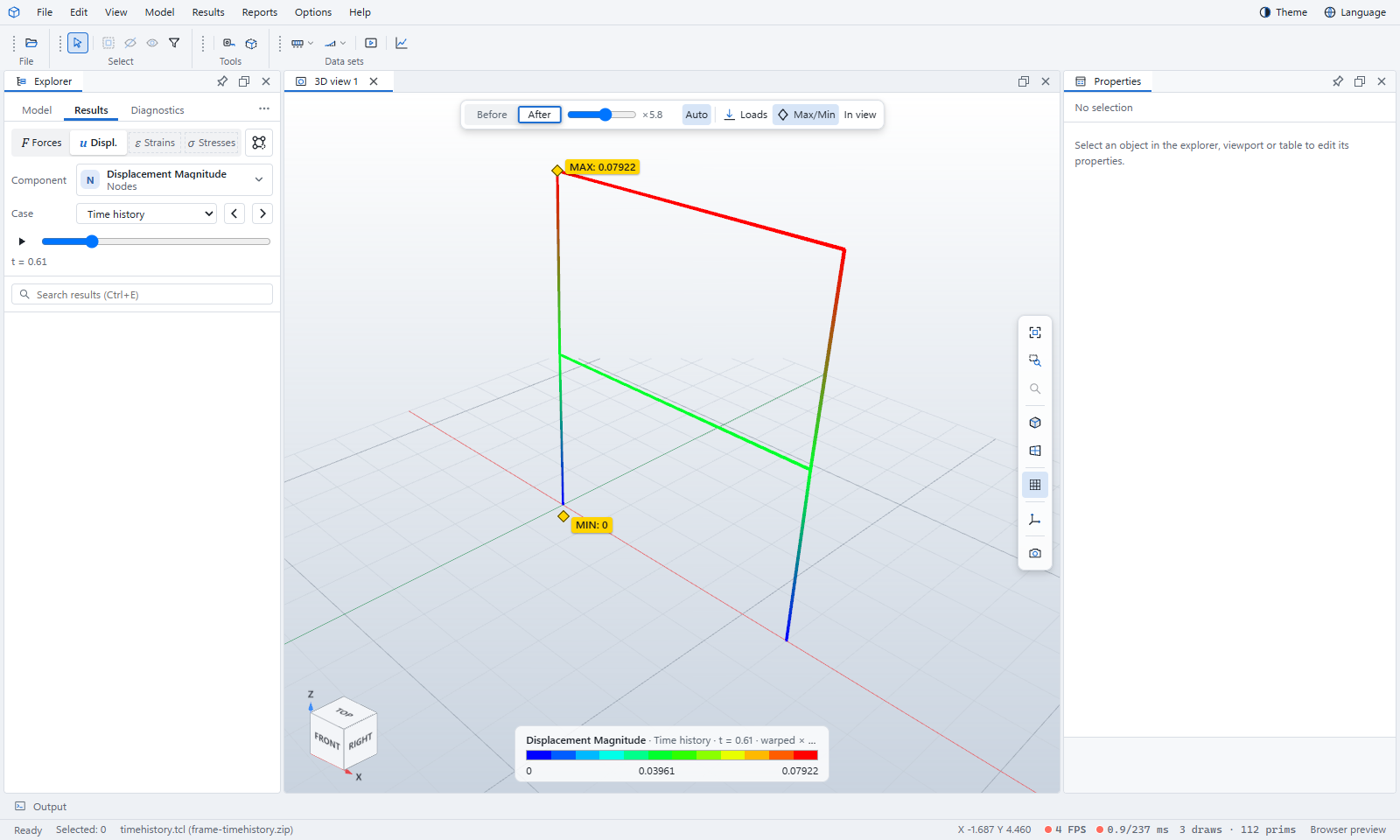
Nonlinear seismic, buildingsPushover, time history, IDA and collapse of buildings on OpenSees, through to a seismic evaluation report.
Product page, tutorials and docs →FEA OpenSees Bridge
Nonlinear seismic, bridgesBridge templates, piers, bearings and abutments on OpenSees, with pushover, earthquake time history and capacity checks.
Product page, tutorials and docs →Start from what you want to do
Learn one program, and you know the others
The programs share one window, the same menus, one model format and the same results panel. A model made in one opens in the next.
One model file
The desktop programs read and write the same .fea project, with results saved beside it.
Solvers for each job
A built-in solver for linear, modal, dynamic and nonlinear static work in FEA Studio, and OpenSees for the nonlinear seismic studies of FEA OpenSees Building and Bridge.
Design codes
Concrete, steel and foundation design to the code of your region.
Drawings and reports
Shop drawings and paginated reports as PDF or Word, in English or Korean.
Other programs’ files
IFC, Revit, MIDAS and ETABS models come in as structural models.
AI assistants
Connect an AI assistant in one click to build models, run studies and read results.
Checked to the code you sign under
Pick the region when you start a project. Units, load combinations, design codes and drawing standards follow from it, and you can change any of them.
Reinforced concrete
Structural steel
Cold-formed steel
Tutorials and documentation for every product
Start with a guided tutorial, then keep the manual open beside your work.
Step by step, from a sample model
Each tutorial opens a sample that comes with the program and ends with a result you can check.
All tutorials →Manuals for each product
The FEA Studio manuals as PDF or Word, and online manuals for the other products.
All documentation →Compared, not just claimed
We run the same structures in established programs and publish the differences, including the ones that are not small.
All comparisons →Early access by invitation
Tell us which product you want to try and what you design. We’ll send an invite to your email address.